Skip to content
PartnerSwipe Payment Processing

POS systems & equipment

Compare equipment. See pricing. Choose with confidence.

Explore countertop, handheld, mobile, and full register options, then let PartnerSwipe confirm the right fit and current terms for your business.

Equipment catalog

POS systems and terminals with clear listed prices.

Choose based on your checkout workflow, counter space, mobility, integrations, and transaction volume, not just the device.

Pricing notice

Prices below reflect the supplied PartnerSwipe equipment listing. Confirm current pricing, availability, taxes, shipping, accessories, software, processing requirements, and promotion terms before ordering. SkyTab bonus eligibility and payout terms apply.

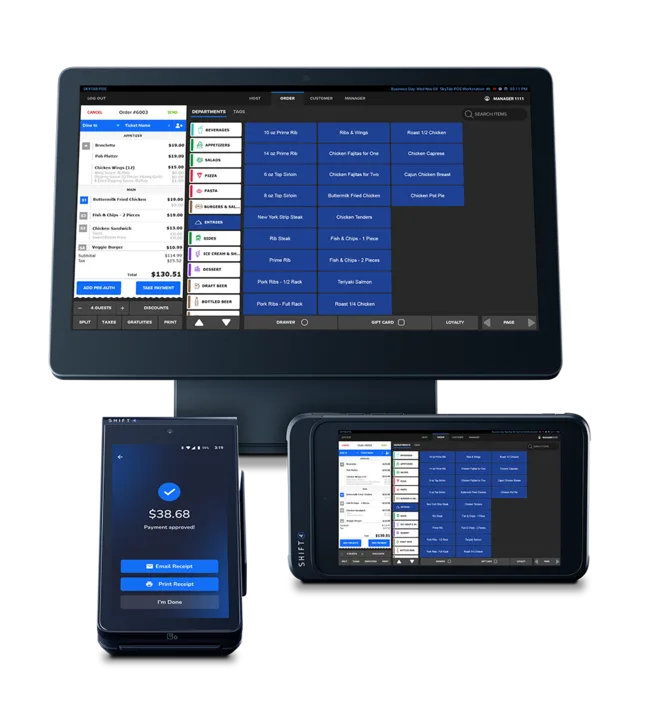
SkyTab POS system for small business payment processing

Full service POS

SkyTab POS

$0

$5,000 sign up bonus*

A restaurant-focused POS that combines order entry and payments with tableside service, split checks, online and QR ordering, reservations, loyalty, labor tools, reporting, and integrations. Features vary by bundle and agreement.

Best for: Restaurants and service counters

View pricing and details
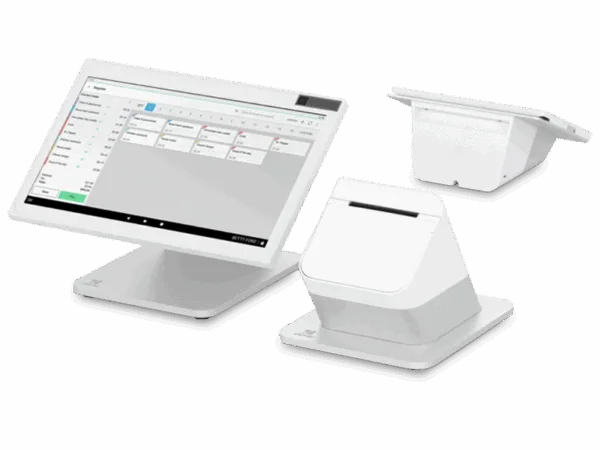
Clover Station Bundle Duo second generation POS system

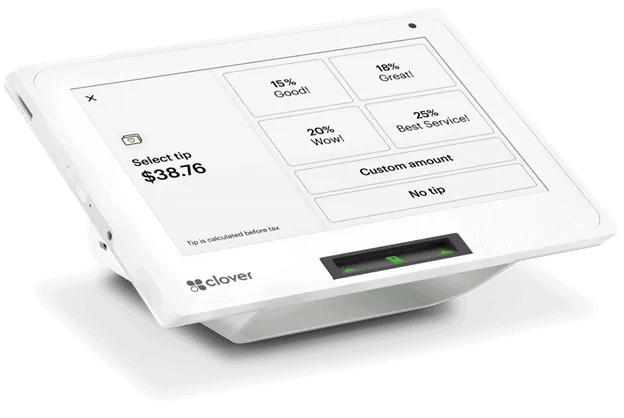
A dual-screen countertop POS with a 14-inch staff display and an 8-inch customer display for confirming orders, adding tips, redeeming rewards, and paying, plus a receipt printer and cash drawer.

Best for: Busy retail and hospitality counters

View pricing and details
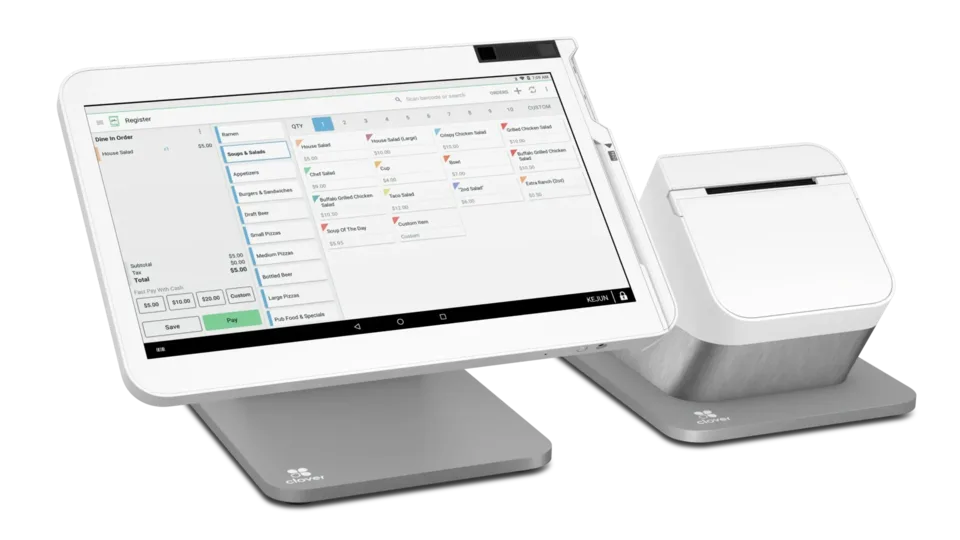
Clover Station Solo point of sale system

Countertop POS

Clover Station Solo

$1,575

The Clover Station Solo is a unique system that makes running a business super easy. It includes a touchscreen that allows you to take payments, manage orders, and print receipts. The system also allows users to manage inventory, track sales and access real time reports. Overall this sleek system is great for business management and checkout.

Best for: Retail stores and quick service businesses

View pricing and details
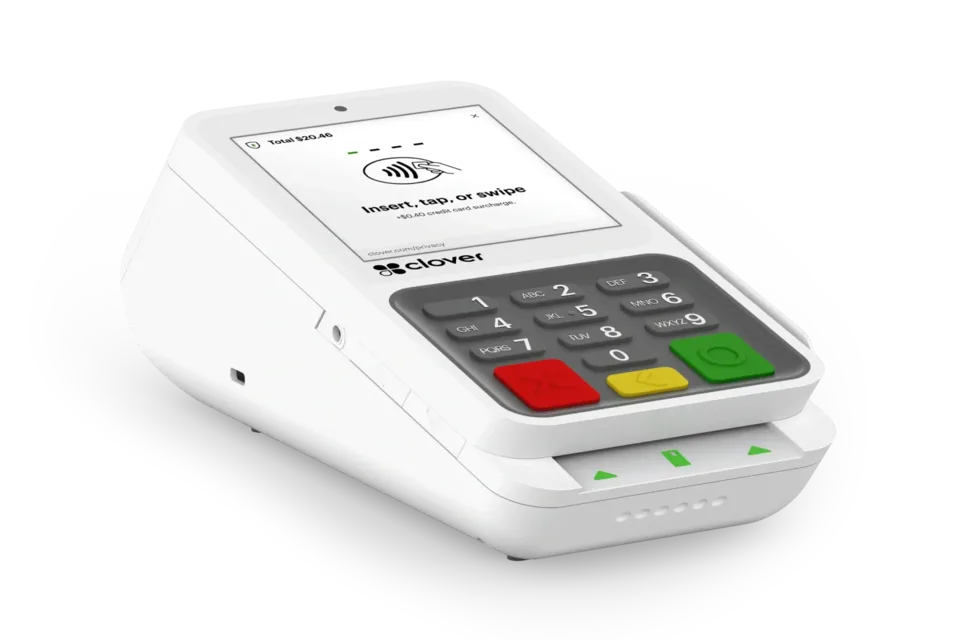
Clover Mini third generation compact POS system

$833

A compact countertop POS with an 8-inch touchscreen and built-in receipt printer for orders, payments, inventory, real-time sales reporting, and compatible Clover apps.

Best for: Boutiques, cafés, and service desks

View pricing and details
Clover Flex portable POS system

Handheld POS

Clover Flex

$675

A handheld POS with a nearly 6-inch touchscreen, built-in receipt printer, and chip, swipe, and contactless acceptance for orders and payments at the counter, table, or on the go.

Best for: Tableside service and mobile teams

View pricing and details
Clover Flex Pocket handheld POS system

$429

A lightweight handheld POS for taking orders and accepting chip, swipe, and contactless payments at the counter, tableside, or on the move, with digital receipts and no built-in printer.

Best for: Events, busy lines, and mobile sellers

View pricing and details
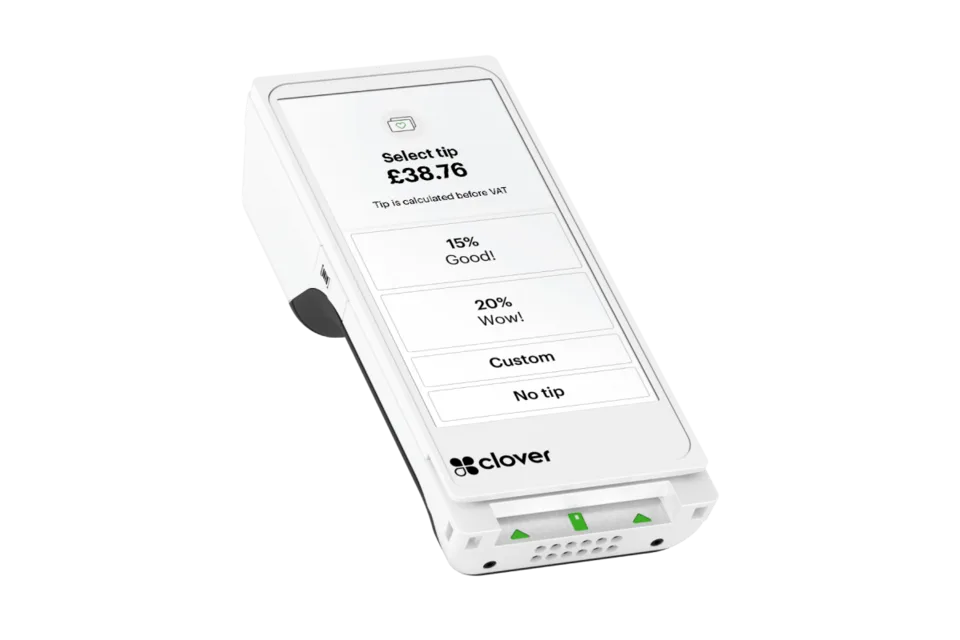
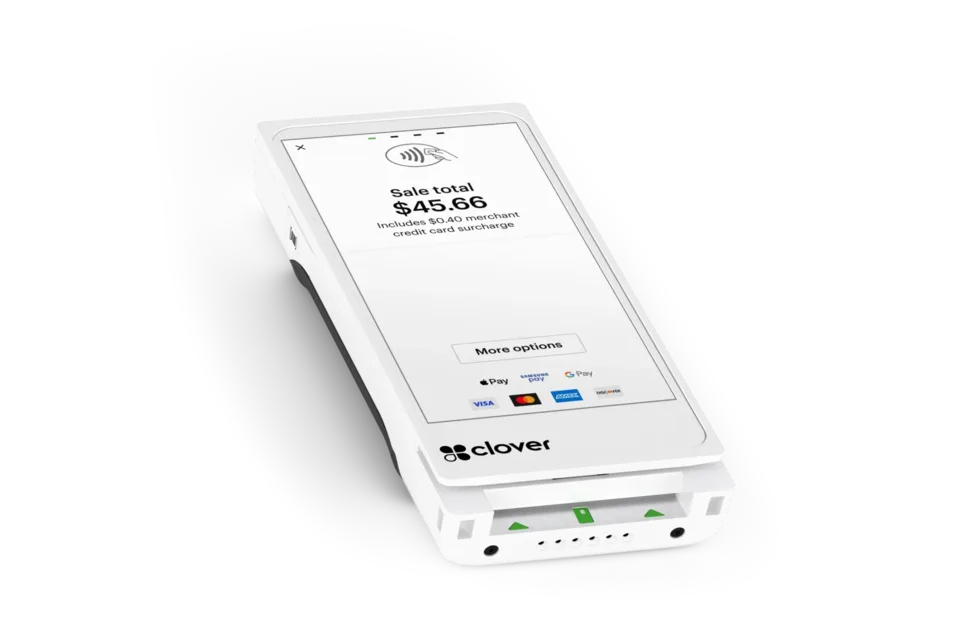
Clover Compact payment terminal

Compact terminal

Clover Compact

$175

A space-saving countertop payment terminal with a touchscreen, physical keypad, built-in receipt printer, and support for chip, swipe, contactless, tips, and refunds.

Best for: Small counters and professional services

View pricing and details
Ingenico Desk 3500 countertop payment terminal

Legacy countertop terminal

Ingenico Desk 3500

$240

A legacy fixed countertop terminal with a color display, physical keypad, built-in receipt printer, and support for chip, contactless, and magnetic-stripe payments. Confirm remaining inventory, processor support, and replacement coverage.

Best for: Compatible legacy countertop deployments

View pricing and details
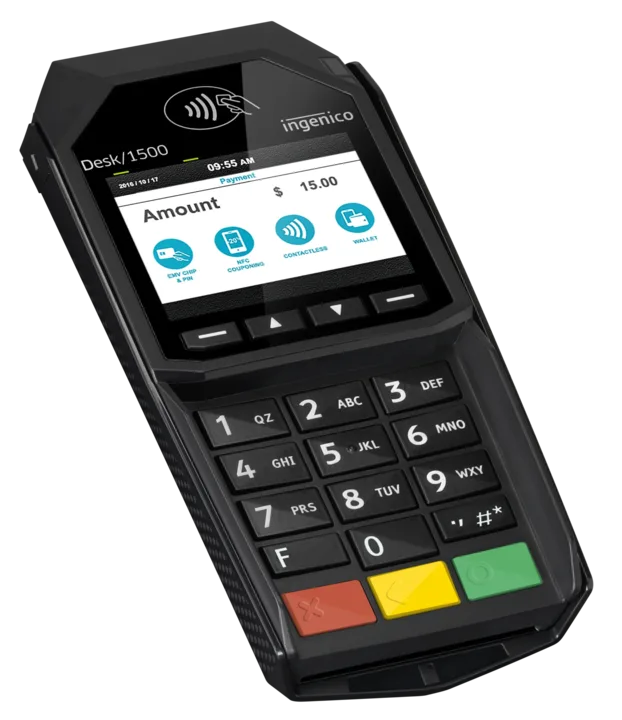
Ingenico Desk 1500 countertop payment device

Legacy customer-facing terminal

Ingenico Desk 1500

$234

A legacy customer-facing terminal that connects to a compatible Ingenico Desk device and accepts chip, contactless, and magnetic-stripe payments. Confirm remaining inventory, processor support, and replacement coverage.

Best for: Compatible legacy Ingenico Desk systems

View pricing and details
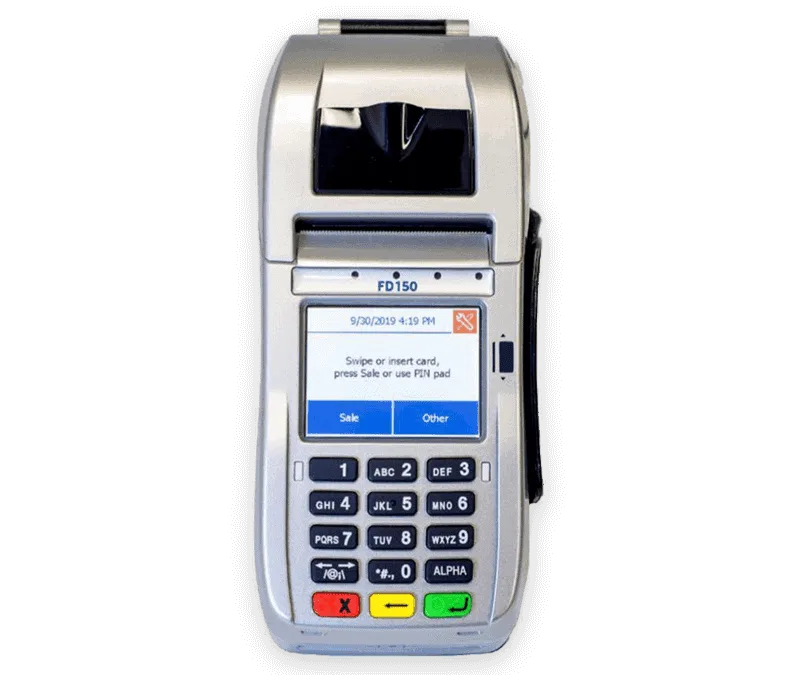
FD150 countertop payment terminal

Countertop terminal

FD150

$275

A compact countertop terminal with an intuitive touchscreen, built-in receipt printer, and support for chip, contactless, swipe, debit, gift-card, and EBT payments.

Best for: Retail and professional service counters

View pricing and details
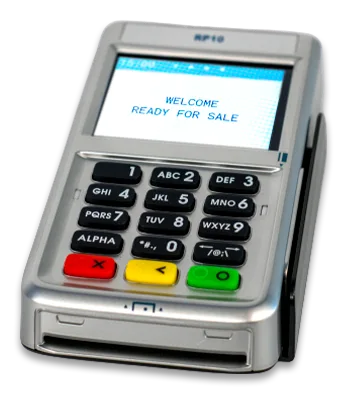
RP10 customer-facing payment PIN pad

Customer-facing PIN pad

RP10

$150

A customer-facing companion PIN pad for the FD150 that accepts chip, contactless, mobile-wallet, PIN-debit, gift-card, and EBT payments while customers retain their cards.

Best for: FD150 customer-facing checkout

View pricing and details
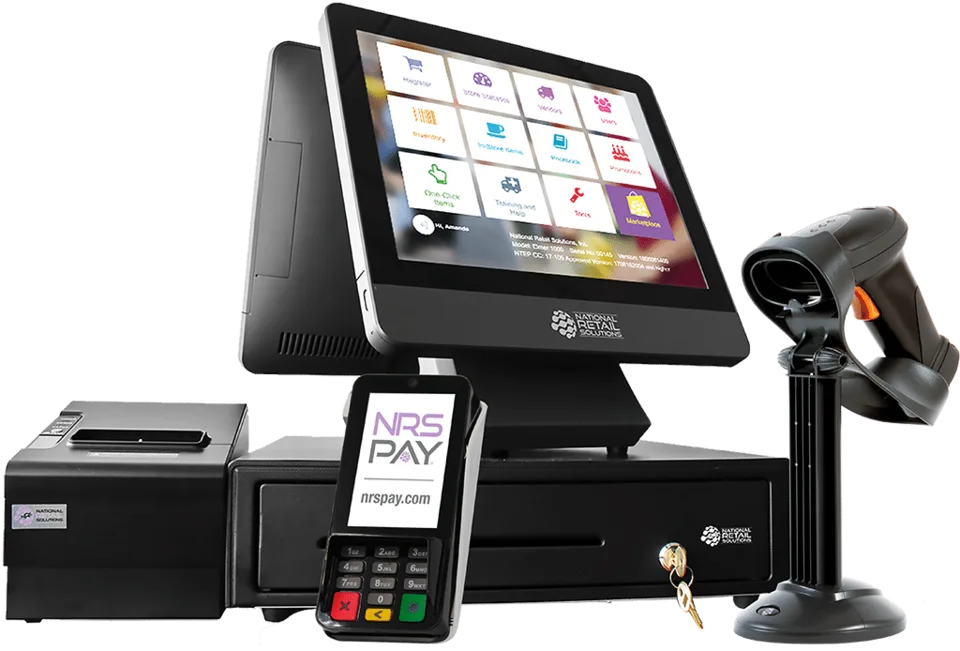
NRS bundled point of sale system

POS bundle

NRS Bundle

$999.99

A retail POS bundle with touchscreen checkout, barcode scanning, receipt printing, inventory and pricebook tools, reporting, promotions, and remote management. Ecommerce, loyalty, and other advanced features depend on the software plan and hardware.

Best for: Markets, convenience stores, and retail

View pricing and details
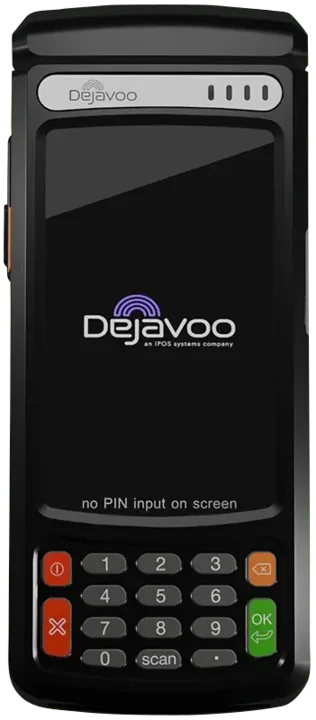
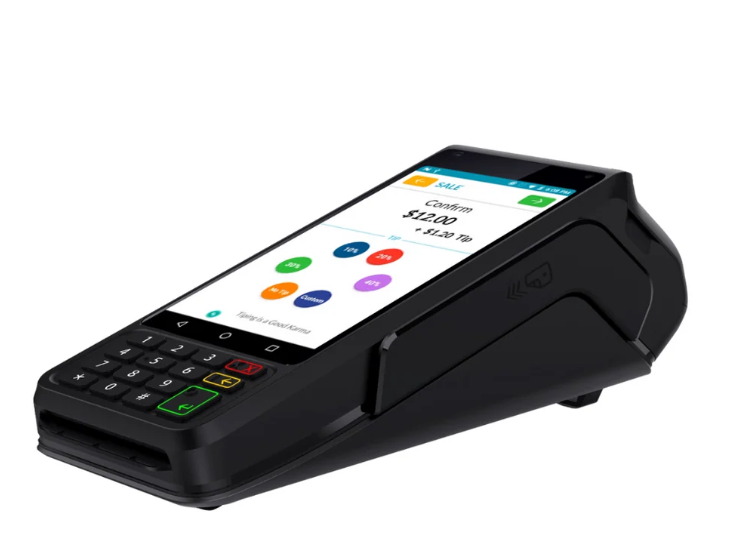
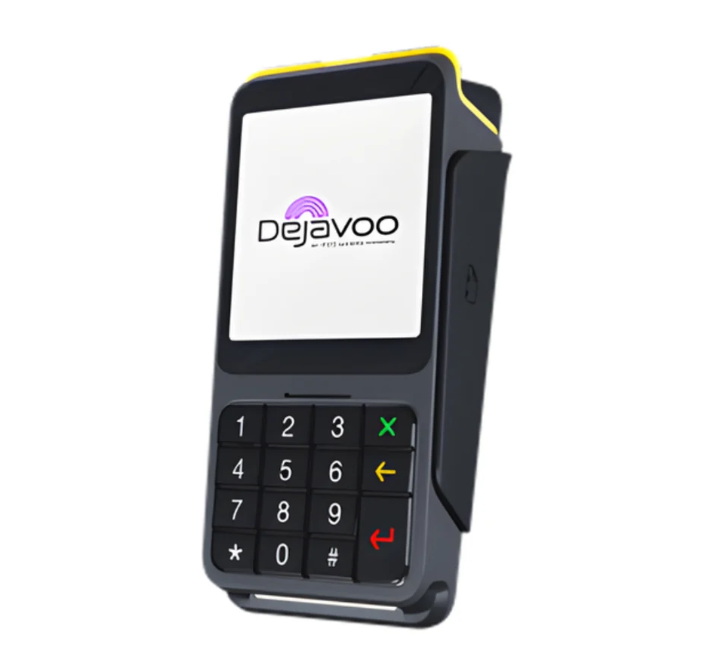
Dejavoo QD1 smart payment terminal

Smart terminal

Dejavoo QD1

$582

A wireless Android terminal with a touchscreen and support for chip, contactless, and magnetic-stripe payments for flexible checkout at the counter or on the move.

Best for: Retail, hospitality, and service businesses

View pricing and details
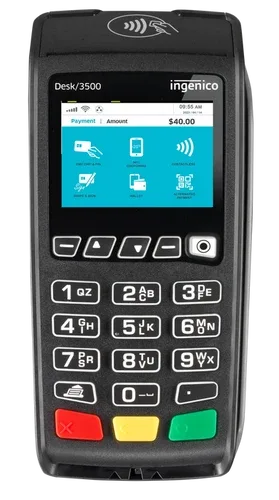
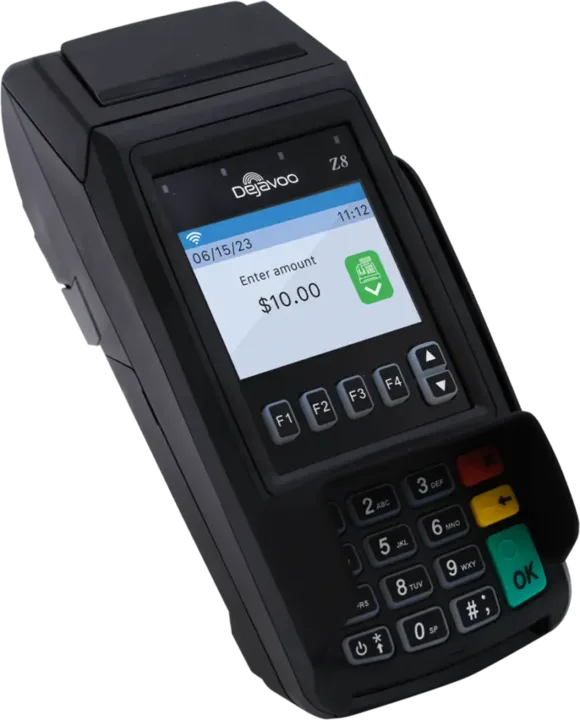
Dejavoo Z8 countertop payment terminal

Countertop terminal

Dejavoo Z8

$250

A countertop terminal with a color display and physical keypad that accepts chip, contactless, and magnetic-stripe payments.

Best for: Small and midsize counters

View pricing and details
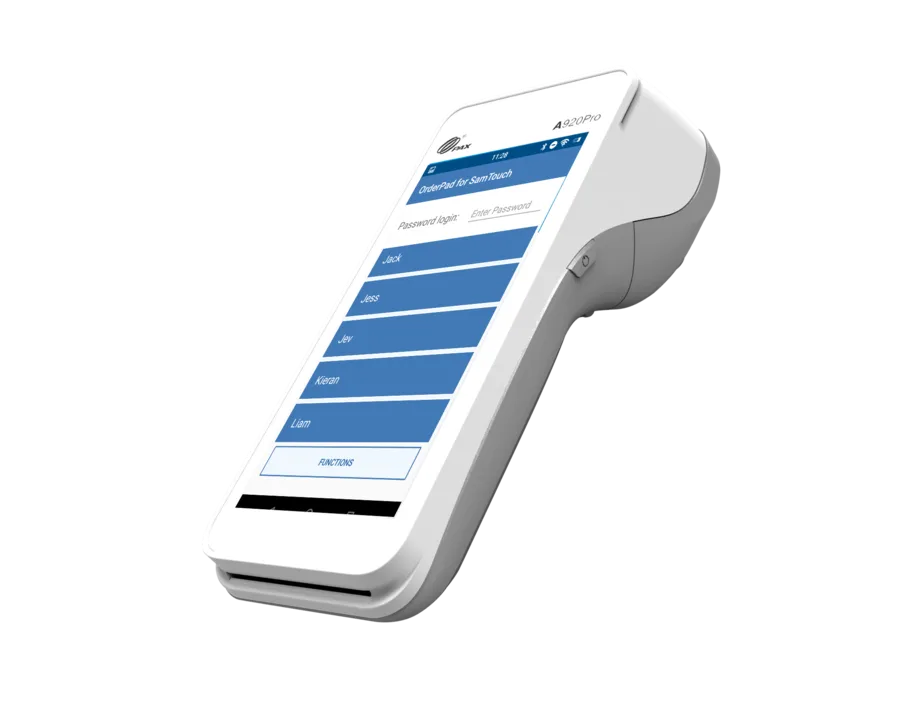
PAX A920 Pro mobile smart payment terminal

Mobile smart terminal

PAX A920 Pro

$390

A portable smart terminal with a large touchscreen, built-in receipt printer, and support for chip, contactless, and magnetic-stripe payments at the counter, table, or on the move.

Best for: Restaurants, delivery, and mobile service

View pricing and details
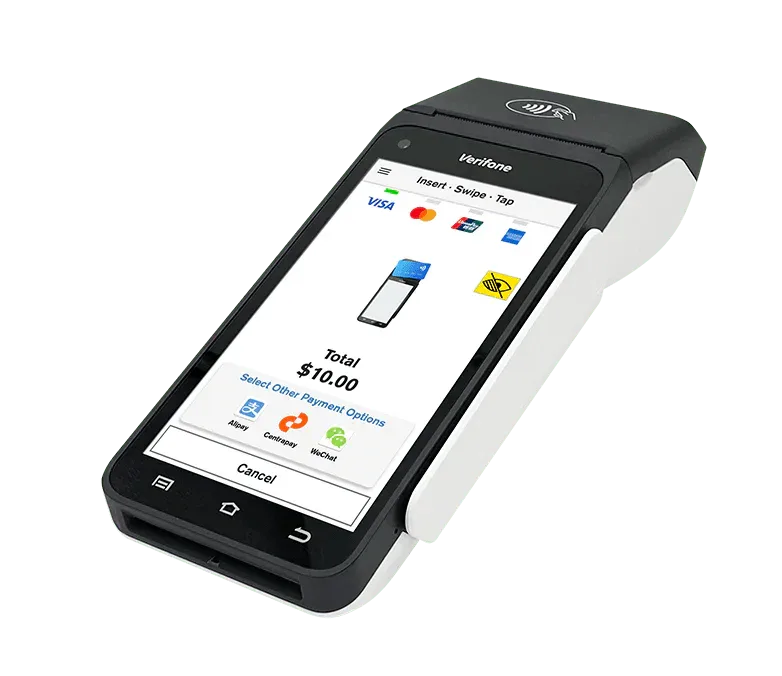
Verifone T650c countertop payment terminal

Countertop terminal

Verifone T650c

$348

A countertop terminal with a 5.5-inch touchscreen, built-in receipt printer, and support for chip, contactless, and magnetic-stripe payments.

Best for: Retail and service businesses

View pricing and details
Platform capabilities

See what each POS platform can support.

Open a platform to compare its major tools, then confirm the exact devices, plan, integrations, and terms required for your business.

NRS POS

A retail-focused checkout and store-management platform with inventory, reporting, customer engagement, and optional integrated payment processing through NRS Pay.

Checkout and payments

  • Touchscreen checkout, barcode scanning, receipt printing, cash-drawer support, and a customer-facing display.
  • Optional integrated NRS Pay card processing with supported readers and hardware bundles.

Everyday store management

  • Pricebook and inventory management, sales statistics, employee permissions, promotions, and label printing.
  • Daily sales-summary emails plus remote management through the My NRS Store app and Merchant Web Portal.
  • Phone and chat support seven days a week on supported plans.

Professional business tools

  • Advanced Data reporting, item modifiers, remote IP printing, Employee Time Clock, and Security Camera Integration.
  • Customer Tabs, Remote Manager Override, SMS Receipts, License ID Scanning, and qualifying unlimited-user and customer-ad tools.
  • Anti-Theft Alerts and Vendors+ tools for exception monitoring, vendors, and purchasing.

Ecommerce and delivery

  • An ecommerce website and the BOSS Local Shopping app with synced online pricing, availability, inventory, and orders.
  • NRS Delivery Network options and available integrations for DoorDash, Grubhub, and Uber Eats.

Loyalty and marketing

  • Points programs, loyalty clubs, customer transaction history, and promotional offers through BOSS Club.
  • Contact My Customers, Find My Biz, and Manage My Reviews.

Specialized programs

  • eWIC support, NRS Pay Cash Discount, Panic Alarm Button, and Tobacco Scan Data options.
  • NRS Purple payroll is available as a separate service and does not require NRS POS.

Availability: Features, pricing, support, and hardware vary by software plan, bundle, NRS Pay enrollment, location, and business type. Some tools need separate equipment, accounts, subscriptions, manufacturer participation, delivery agreements, or third-party terms. Confirm current inclusions and fees before enrolling.

Clover

A cloud-based business platform that combines payment acceptance, point-of-sale tools, and optional apps. It can operate as a simple payment setup or expand for retail, restaurant, ecommerce, and service-business workflows.

Payments and checkout

  • Accept chip, contactless, swipe, mobile-wallet, gift-card, keyed-in, online, and phone payments with the appropriate setup.
  • Process tips, digital receipts, refunds, returns, exchanges, and service or delivery charges.
  • Clover Virtual Terminal supports remote, mail, and phone orders, payment requests, invoices, and refunds.

Point of sale and inventory

  • Manage sales, orders, menus, products, modifiers, categories, customer data, and daily checkout.
  • Use countertop, portable, self-service, customer-facing, and kitchen hardware configurations.
  • Track stock, bulk-edit items, filter inventory, customize online product details, and manage online availability; qualifying retail setups can add reordering and low-stock alerts.

Reporting and Clover Dashboard

  • Review real-time sales, refunds, deposits, employee activity, and key business metrics from Clover Dashboard.
  • Build and access customizable reports online wherever an internet connection is available.

Online ordering and ecommerce

  • Create an online ordering page, sync menus and hours, and send orders directly to the POS and kitchen.
  • Offer takeout, pickup, curbside, delivery, dine-in, scheduled pickup, Clover Dining Scan to Order, and Scan to Pay when supported.
  • Compatible ecommerce integrations can synchronize products, stock, orders, and sales across in-store and online channels.

Customer engagement

  • Build customer profiles and history, gather Feedback, and run Rewards and Promos programs.
  • Send email, text, and social promotions; support the Clover mobile app plus digital and physical gift cards.

Employees, restaurants, and services

  • Set roles and permissions; manage schedules, time tracking, breaks, overtime, performance, and supported payroll workflows through tools such as Homebase and Clover Payroll by ADP.
  • Depending on configuration and connected services, employee tools can also cover tips, PTO, compliance, tax filing, and leave management.
  • Support restaurant tables and orders, kitchen printers and displays, customer-facing displays, and self-order kiosks.
  • Service-business configurations can add a service catalog, online booking, reminders, deposits, and cancellation or no-show tools.

Apps and financial tools

  • Clover App Market adds compatible tools for accounting, payroll, delivery, loyalty, inventory, scheduling, and more.
  • Rapid Deposit and Clover Capital are available to eligible businesses under separate fees and terms.

Availability: Capabilities vary by device, software plan, industry, country, and third-party app. Apps and integrations can require separate subscriptions or agreements. Virtual Terminal transactions are card-not-present, online ordering needs supported hardware and software, QR tools are configuration-specific, and financial products are subject to eligibility, fees, and terms.

Shift4 Dine Formerly SkyTab POS

A restaurant-focused POS platform that combines orders, payments, guest engagement, labor tools, reporting, and an optional restaurant hardware ecosystem.

POS and mobile service

  • Order entry, menu and modifier management, integrated card and contactless payments, tableside service, and split checks.
  • Paper or digital receipts, customer surveys, and guest-facing order confirmation and tip prompts.
  • Handheld devices, formerly marketed as SkyTab Air, support tableside, curbside, and delivery service; tablet options were formerly marketed as SkyTab Glass.

Online ordering and QR tools

  • Direct website ordering and online payments with synchronized menus, orders, POS routing, and kitchen workflows.
  • Takeout, curbside, delivery, and order-throttling tools, plus available DoorDash and Uber Eats connections through the integration marketplace.
  • Table QR codes can let guests view the menu, order, and pay, with additional scan-to-pay workflows where configured.

Reservations and guest engagement

  • Website and social-media reservations, real-time table availability, custom floor plans, automatic check opening, and text or prerecorded table-ready notices.
  • Customer database, point-based rewards, targeted email and social marketing, gift cards, reputation tools, and a branded customer-facing display.

Website and labor management

  • A no-code restaurant website builder with editable design, domain setup, menus, online ordering, and reservations.
  • Employee clock-ins, paid and unpaid breaks, scheduling, labor and overtime tracking, shift editing, permissions, and workforce integrations.

Reporting and back office

  • Shift4 Dine Customer Hub, formerly Lighthouse Business Manager, provides dashboards for sales, operations, workforce, inventory, marketing, and customer behavior.
  • The Shift4 Dine Mobile App, formerly labeled InCharge, can surface total sales, average ticket time, open tickets, void usage, and staff performance.

Integrations, hardware, and support

  • Marketplace connections cover inventory, accounting, labor, marketing, loyalty, gift cards, ordering, reservations, and delivery tools.
  • Available hardware includes Workstation, Handheld, Tablet, Customer-Facing Display, Kitchen Display System, Kiosk, printers, card readers, and cash drawers.
  • Qualifying advertised bundles can include onsite installation, local support, 24/7 phone or chat support, and lifetime hardware replacement coverage.

Availability: SkyTab POS was renamed Shift4 Dine on May 12, 2026. Features vary by bundle, service agreement, region, hardware, and integration. Advertised $0-upfront offers and included services require qualifying processing and POS agreements; installation, support, replacement coverage, and third-party tools remain subject to their applicable terms.

How to choose

Match the equipment to the work.

PartnerSwipe can compare your current setup with the operational needs that matter most.

Choose with context

Compare transaction volume, counter space, mobility, reporting, locations, and the way customers prefer to pay.

Confirm compatibility

Verify required integrations, accessories, software plans, and processing compatibility before selecting hardware.

Launch with support

Get help with activation, configuration, equipment setup, and the practical steps needed to begin accepting payments.

Equipment FAQs

What to know before ordering.

How long does it take to set up a PartnerSwipe POS system?

Setup timing depends on approval, shipping, equipment, integrations, and business requirements. PartnerSwipe provides setup guidance and can confirm a realistic timeline for your selected system.

Is there a contract required to use PartnerSwipe services?

Program and processing terms can vary. Ask PartnerSwipe to review all current pricing, processing, equipment, promotion, and agreement terms before you enroll.

Can PartnerSwipe integrate with existing business software?

Compatible options are available for many accounting, inventory, restaurant, and ecommerce workflows. The team should confirm compatibility with your exact software and version before equipment is ordered.

Do the listed equipment prices include every cost?

No. Listed prices reflect the prices supplied for the equipment page and may not include taxes, shipping, accessories, software, processing, installation, or other program costs. Promotions and availability can change.

Find out what your processing is really costing you.

Get a review of your rates, equipment, and options with no obligation.